Fullbench™

Resources · Worksheet

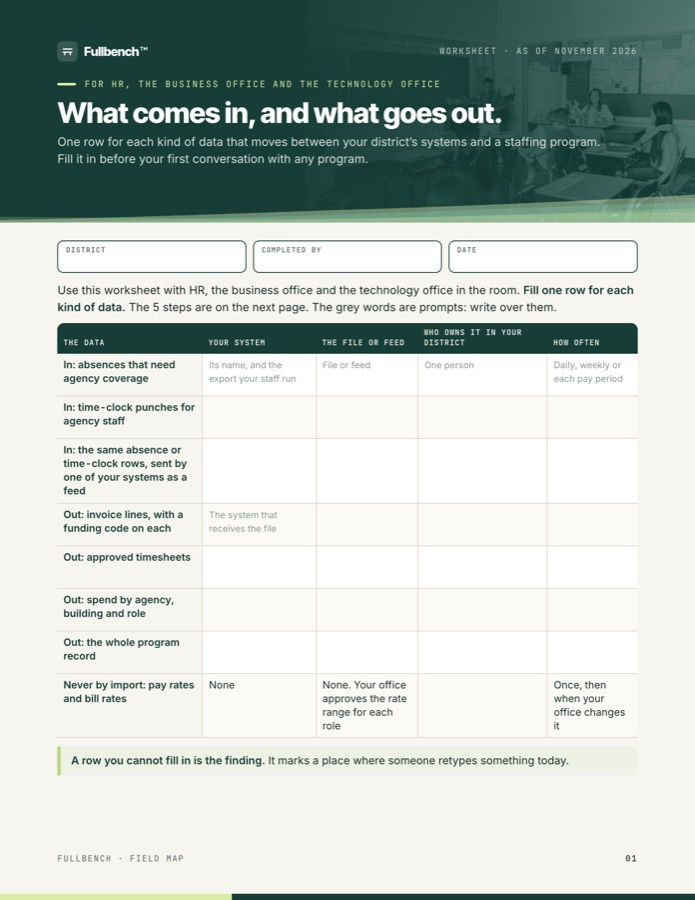
The Field Map

A worksheet with one row for each kind of data that comes in from your district's systems or goes out to them: the system, the file or feed, who owns it and how often it runs. A PDF to print, and an Excel workbook that counts the rows still to fill in.

3 pages · about 6 min · for hR directors, business administrators and technology directors whose staffing agencies sit outside the absence system, the time clock and the finance system

  • 8 rows: the 2 kinds of data that come in, the feed, the 4 that go out, and the rates that never travel by import
  • 5 steps for filling it in, the 2 checks to make before any file leaves your district, and the 5 short steps for your technology office
  • The columns each of your 2 inbound files carries, to tick off and write your own headings beside
  • An Excel workbook that marks each row filled in or not, counts the files and the feeds, and lists the 4 points where what came in is checked against what was approved

The guide this comes from, with the sources behind each line, is open to read: read the full guide.
Get the worksheet by email

The full 3-page PDF and the Excel workbook, in your inbox within minutes, with a reply from a person the same business day.

Used to send the document and follow up once.

Keep reading

More from the district library.

Illustrated guide12 pages · about 9 min

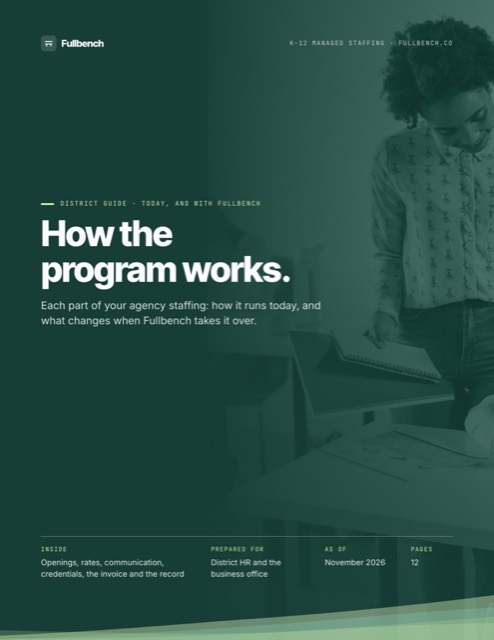
How the Program Works

Each part of your agency staffing, from openings, rates and communication to credentials and the invoice: how it runs today, what that costs your team, and what changes when Fullbench™ takes it over.

Download the PDF What’s inside

Guide14 pages · about 10 min

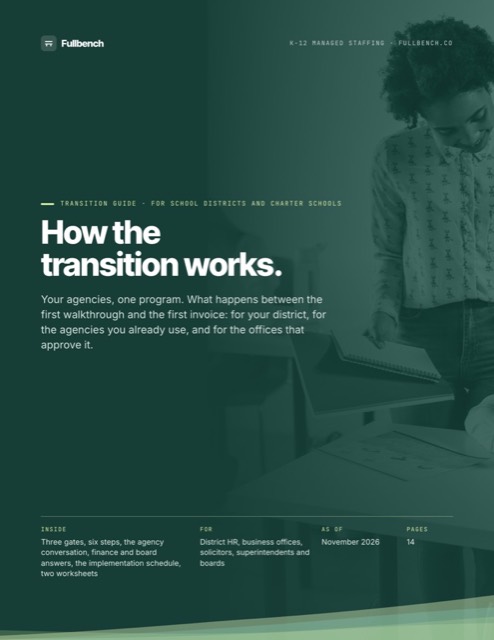
How the Transition Works

What happens between "interesting" and the first invoice: the district's approval path, the agency conversations we run for you, the questions finance and procurement ask, and your implementation schedule.

Download the PDF What’s inside

Sample document2 pages · about 3 min

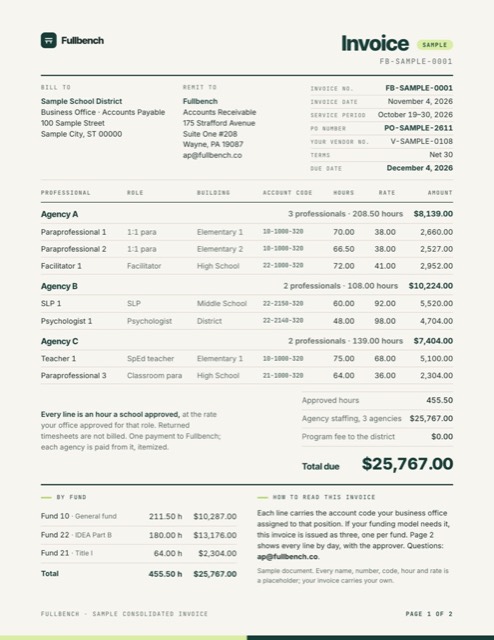
Sample Consolidated Invoice

The invoice a business office receives: every agency's approved hours on one bill, with your purchase order number, an account code on every line, a subtotal by fund, and the timesheet backup attached.

Download the PDF What’s inside

Next step

Talk to the person who would run your program.

Fifteen minutes on your roles, the rates you pay today and the agencies you already use, with the program open. No slides, no obligation, and no cost to your district.

What we cover

  1. How your district manages its agencies today.
  2. Candidate review, document approval and billing, on a case like yours.
  3. Where to start: everything your agencies supply, or one whole program area such as all of special education.

You leave with a clear next step. Nothing is signed on the call.

Book your walkthrough

Your email and your name, then pick a time on the next screen. The calendar invite carries a Google Meet link.

Only the first two are required. No mailing lists — we use this to arrange your walkthrough and for nothing else.